Free starter kit
AI Lead Recovery OS
Find the leads your team forgot.
Four n8n workflows that find the enquiries nobody answered and the deals that went quiet, then draft a reply for you to approve. Nothing sends on its own.
- You build
- A daily queue of leads worth chasing, in your own n8n
- You get
- 4 workflows, 5 lessons with exercises, demo data and a PDF guide
- You need
- An n8n account to start. HubSpot and Gmail only from Lesson 3.
- HubSpot
- Gmail
- n8n
Get the four workflows and the guide
- Open deal value in the queue£229,250
- Leads to review10
- Never answered4
- Gone quiet9
From CRM record to reply
- 24Contacts readwith 16 deals
- 16Leaks foundunanswered, quiet or missed
- 10Queued for you6 left out, with reasons
- YouYou approvenothing sends without you
- YouReplies and winsyou log them
Counted by the kit Your step
Top of the review queue
| Contact | Deal | Score |
|---|---|---|
| Beatrice NakamuraColdharbour Brewing | £31k | 91 |
| Callum Rhys-JonesNorthgate Interiors | £37k | 81 |
| Alana PereiraBrightwater Dental Group | £48k | 78 |
| Arjun PillaiLowfield Energy | £41k | 65 |
| Ethan CarlisleWestway Plant Hire | £25k | 65 |
5 more in the queue. Each lead comes with a drafted reply for you to read first.
How it works
Four workflows, one job each
They run in your n8n and read your CRM. They rank what they find and write drafts. A person sends.
Lead response audit
Lists the enquiries nobody replied to, counting the wait in working hours.
WritesNothing. It reports.
Stalled deal detection
Lists open deals with no activity on either side for 14 days or more.
WritesNothing. It reports.
Draft queue
Ranks what 01 and 02 found, leaves out anyone you may not contact, and drafts a reply for each lead.
WritesGmail drafts, once you switch them on. It never sends.
Daily summary
One summary of what was found and what was left out, with the reason for each.
WritesOne email to you, once you switch it on.
Screenshots of workflow 03 as it ships, open in n8n. Open one to see all four workflows whole.
What you download
Everything to run it tonight
Run it on the demo data first. Nothing touches your CRM or your inbox until you connect them.
In the download
- 4n8n workflows, every write and send switched off
- 5lessons, each with an exercise and the answers
- 25page guide: the course as one PDF
- 7reference sheets: setup, fields, permissions, fixes
- 24invented contacts, 16 deals and 58 activities to practise on
One ZIP · 26 files · 2.1 MB
What you need
- Lessons 1–2An n8n account, Cloud or self-hosted. No CRM, no credentials, no coding. Tested on n8n 2.48.4.
- Lesson 3A HubSpot account you can connect read-only.
- Lessons 4–5A Gmail account, for drafts you send yourself and a daily summary to you.
From download to routine
Five lessons, in the order you will use it
Start on the demo data. Connect your own systems only when the queue makes sense to you.
Your first hourabout 45 min
Lesson 1
Run the kit on demo data
The four workflows in your n8n, and a first run that queues 10 leads and leaves 6 out, each with a reason. Nothing sent, nothing written.
Lesson 2
Read the queue and tune it
You can say why each lead is there, and what changes when a deal counts as quiet after 21 days instead of 14.
When you are readyabout 85 min
Lesson 3
Connect your CRM, read-only
The same run on your own HubSpot, with your consent fields mapped. Still nothing written.
Lesson 4
Draft one follow-up and approve it yourself
One Gmail draft you check and delete unsent. From then on, drafts you read and send by hand.
Lesson 5
Make it routine
A daily run, a summary for you, a 15-minute weekly review and a tracker for replies and won deals.
The pipeline is not empty. It is unread.
Four workflows, five lessons and demo data. Run it tonight, and connect your CRM when you trust it.
Keep exploring the Intelligence Library
Sales & CRM
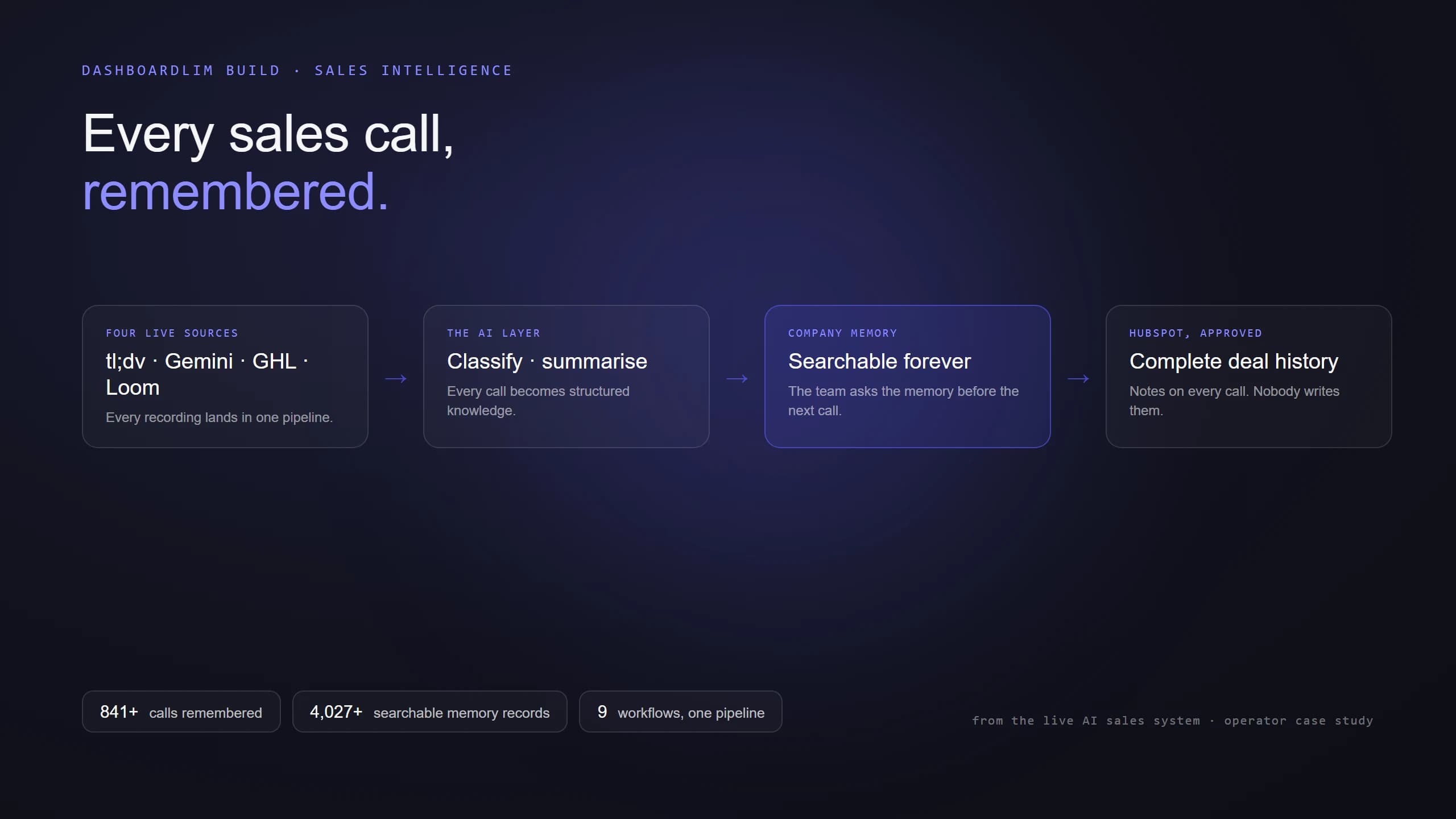
AI Sales Call Memory
2026-06-05
Operations
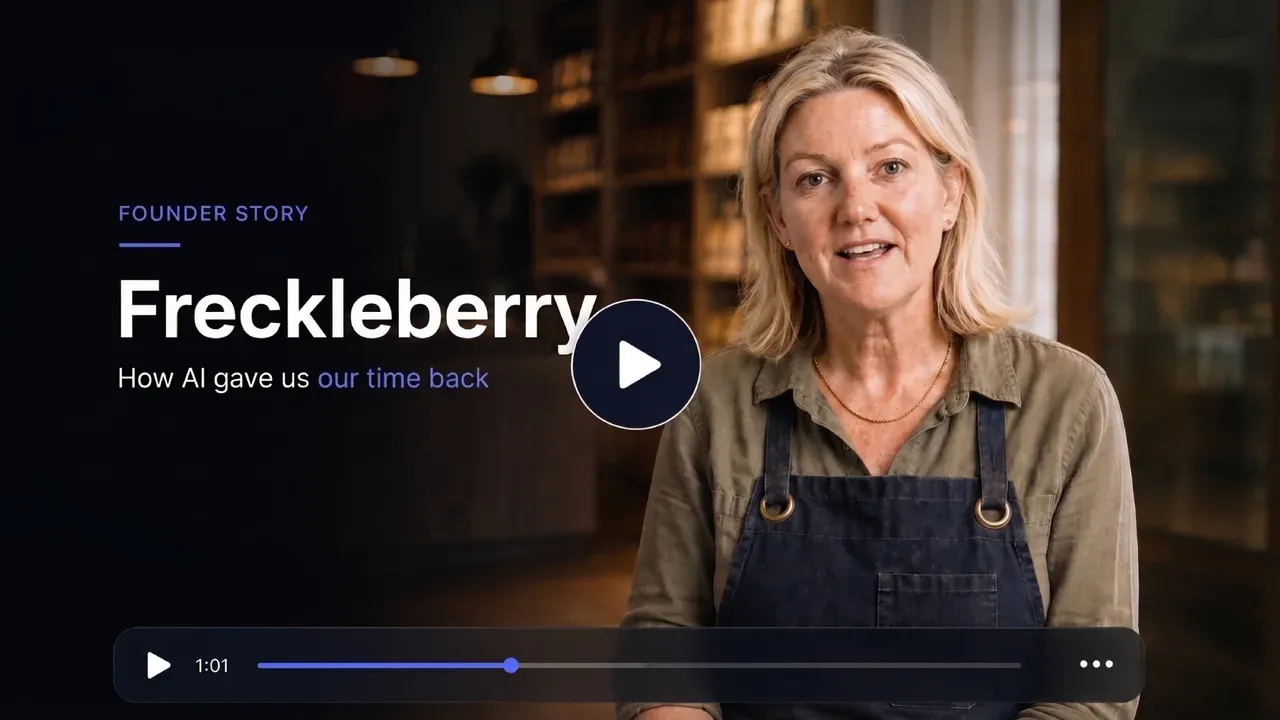
Founder Inbox OS
2026-06-18
Sales & CRM
Quote-to-Sale Workflow
2026-11-16