Free Guide
Onboard every new client without touching a keyboard.
A free, beginner-friendly implementation guide to building an autonomous agent with Claude Code that runs your entire client onboarding — workspace, welcome email, paperwork, CRM, kickoff and team hand-off — the moment a deal is won.
The Autonomous Onboarding Agent
- 01
Why manual onboarding doesn't scale
- 02
What the agent does — six jobs, zero founder hours
- 03
The seven-step build, from install to full autopilot
- 04
Four guardrails that keep it trustworthy
- 05
The recap — seven steps on one page
The trigger
A deal is marked won
The agent
The onboarding agent runs the whole checklist
The jobs it covers
Client workspace
Welcome email
Paperwork
CRM record
Kickoff call
Team hand-off
Why this exists
5–8 hrs
of founder time a typical service business spends onboarding each new client by hand — the guide's target is to hand that whole checklist to an agent.
Every new client kicks off the same checklist — workspace, welcome email, paperwork, CRM record, kickoff call, team hand-off. Do it by hand and it eats your week, gets skipped when you're busy, and lives only in your head.
This guide walks a complete beginner through building the alternative — an agent that runs the whole checklist the moment a deal is marked won, with you approving every action until you trust it.
What's inside
Everything the implementation guide covers
The end state, one agent covering six onboarding jobs — workspace, welcome email, paperwork, CRM, kickoff and team hand-off.
A 60-second Claude Code primer, what the tool is and why no coding background is needed to use it.
The seven-step build, install, playbook, CLAUDE.md, MCP connectors, supervised test run, headless mode, automatic trigger.
Real terminal commands, every command you'll type, from the one-line install to the final trigger — copy-paste ready.
"What you'll see" checkpoints, after every step, an example of the screen you should be looking at — so you always know you're on track.
Four safety guardrails, human approval gates, scoped permissions, full action logs, and a low-stakes rollout order.
Install and map your playbook
Get Claude Code running and write down your onboarding process in plain English — on paper before any config.
The brain and the hands
CLAUDE.md becomes the agent's standing orders; MCP connects it to your real email, CRM, Drive and Slack.
Supervised run, then headless
Watch and approve a test onboarding end-to-end, then run the same agent hands-off with pre-approved permissions.
Trigger it and walk away
Wire a CRM "deal won" webhook, n8n flow or schedule so onboarding starts before you've read the notification.
What you can download
The Autonomous Onboarding Agent (slide deck)
Slide DeckThe delivered giveaway — the editable 37-slide implementation deck (the guide's master). This is the file the delivery email links to.
The Autonomous Onboarding Agent (PDF)
PDFThe 23-page implementation guide rendered from the deck — seven steps, every command, guardrails and recap.
Who it's for
Founders and operators of service businesses who personally onboard every new client.
Agencies where onboarding quality depends on whoever happens to be least busy that week.
Teams already using Claude or ChatGPT in a chat window but automating nothing end-to-end.
Anyone who wants a first real, safe autonomous agent — built on a low-stakes internal workflow.
Field notes from a real build
The problem
A service business was spending most of a working day per new client on the same onboarding checklist — welcome email, folder setup, CRM record, kickoff booking — all by hand, all from memory. (Illustrative example — a composite of the pattern this guide automates, not a named engagement.)
What we implemented
The playbook was written down step by step, encoded as a CLAUDE.md brief, connected to email, CRM and Slack over MCP, and run supervised on test clients until every action was consistently right.
The result
Onboarding now starts the moment a deal is marked won and finishes in minutes, with the founder reviewing a summary instead of doing the work. (Illustrative example.)
The lesson
The hard part isn't the AI — it's writing down what "onboarded" actually means. Once the playbook exists on paper, the agent is the easy half.
How this gets delivered
Supervised
- 01
Install
Claude Code on your machine, one command, sign in once.
- 02
Playbook
Write your onboarding steps down in plain English first.
- 03
CLAUDE.md
Turn the playbook into the agent's standing orders.
- 04
Connect (MCP)
Plug in email, CRM, Drive and Slack — scoped, key-safe.
- 05
Test run
One supervised onboarding on a fake client; approve each action.
Hands-off
- 06
Headless
The same agent with nobody at the keyboard, returning JSON.
- 07
Trigger
CRM "won" webhook or n8n fires it automatically.
The seven-step build the guide walks you through, in order. Steps 1–5 are supervised; 6–7 are where it goes hands-off.
What you can automate
- Claude
Runs the whole playbook — drafts the welcome email, creates docs from templates, and logs every action it takes.
- Email
On-brand welcome email drafted and sent the moment onboarding starts.
- CRM
Client record created, stage tagged, kickoff task booked with an owner and due date.
- Slack
A clean onboarding summary posted to your ops channel so the team is aligned without a meeting.
- n8n
The optional trigger layer — fires the agent from a CRM "deal won" event or a schedule.
Stop re-typing the same onboarding week after week.
The guide takes an afternoon to read and a week to implement — supervised first, autonomous when you trust it.
Questions, answered
What's the catch — why is it free?
No catch. It's the build process we already use, written down for beginners. Some readers will build it themselves; a few will want us to build it with them. Both outcomes are fine by us.
Do I need to know how to code?
No. The agent's instructions are written in plain English (a CLAUDE.md file). You will copy a handful of terminal commands — every one is printed in the guide with what you should see afterwards.
What exactly do I get?
A 23-page PDF implementation guide — the seven-step build, every terminal command, the CLAUDE.md pattern, MCP connector setup, the guardrail checklist, and a one-page recap — delivered instantly.
What do I need before starting?
A computer, Node.js (a free two-minute install, if you use the npm route), a paid Claude plan (Pro, Max, Team, or API — the free tier doesn't run Claude Code), and logins for the tools you want connected.
Is it safe to let an agent send emails and update my CRM?
The guide is explicit about this — you keep approval gates on until trust is earned, scope permissions with an allow list, log every action, and roll out on low-stakes clients first. A full section covers the four guardrails.
Who is DashboardLim?
A systems studio that builds AI automation and reporting on the infrastructure clients already own — CRMs, inboxes, spreadsheets, dashboards. The case studies on this site are the track record.
Your next client could be onboarded before you finish your coffee
Read it this afternoon, run a supervised test this week, and hand the checklist over for good.
Keep exploring the Intelligence Library
AI Models
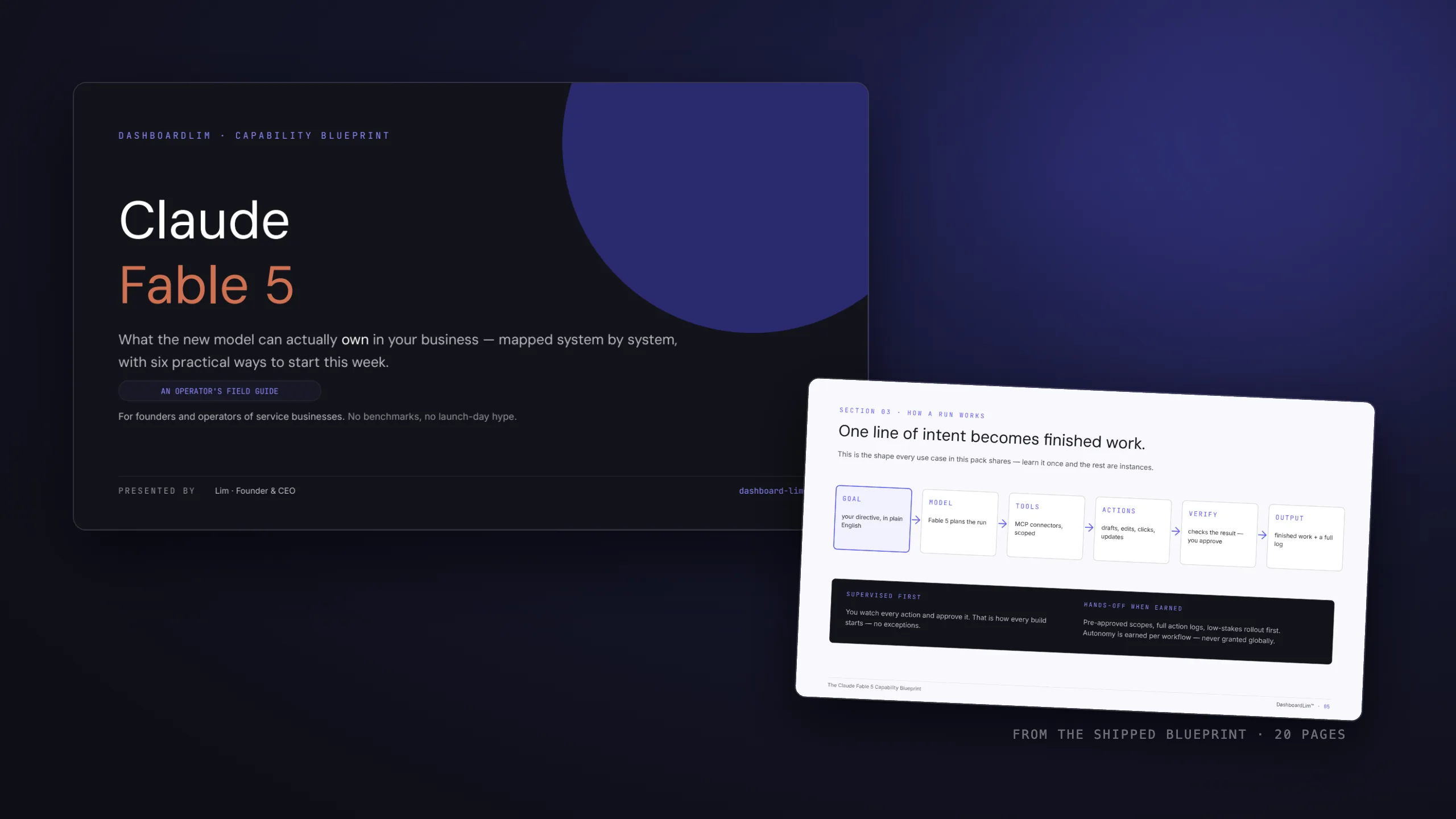
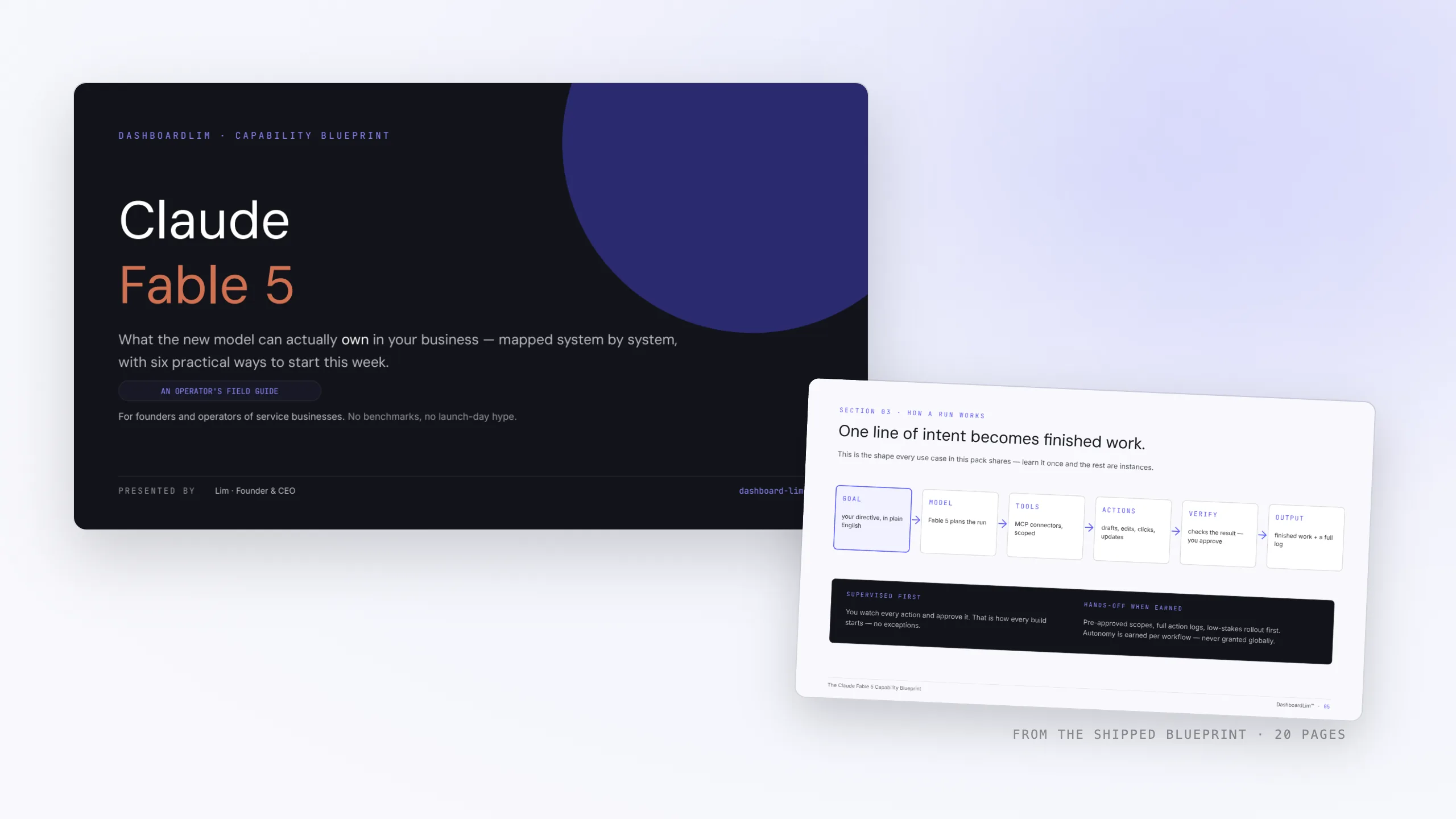
The Claude Fable 5 Capability Blueprint
2026-07-13
Operations
Founder Inbox OS
2026-06-18
Marketing
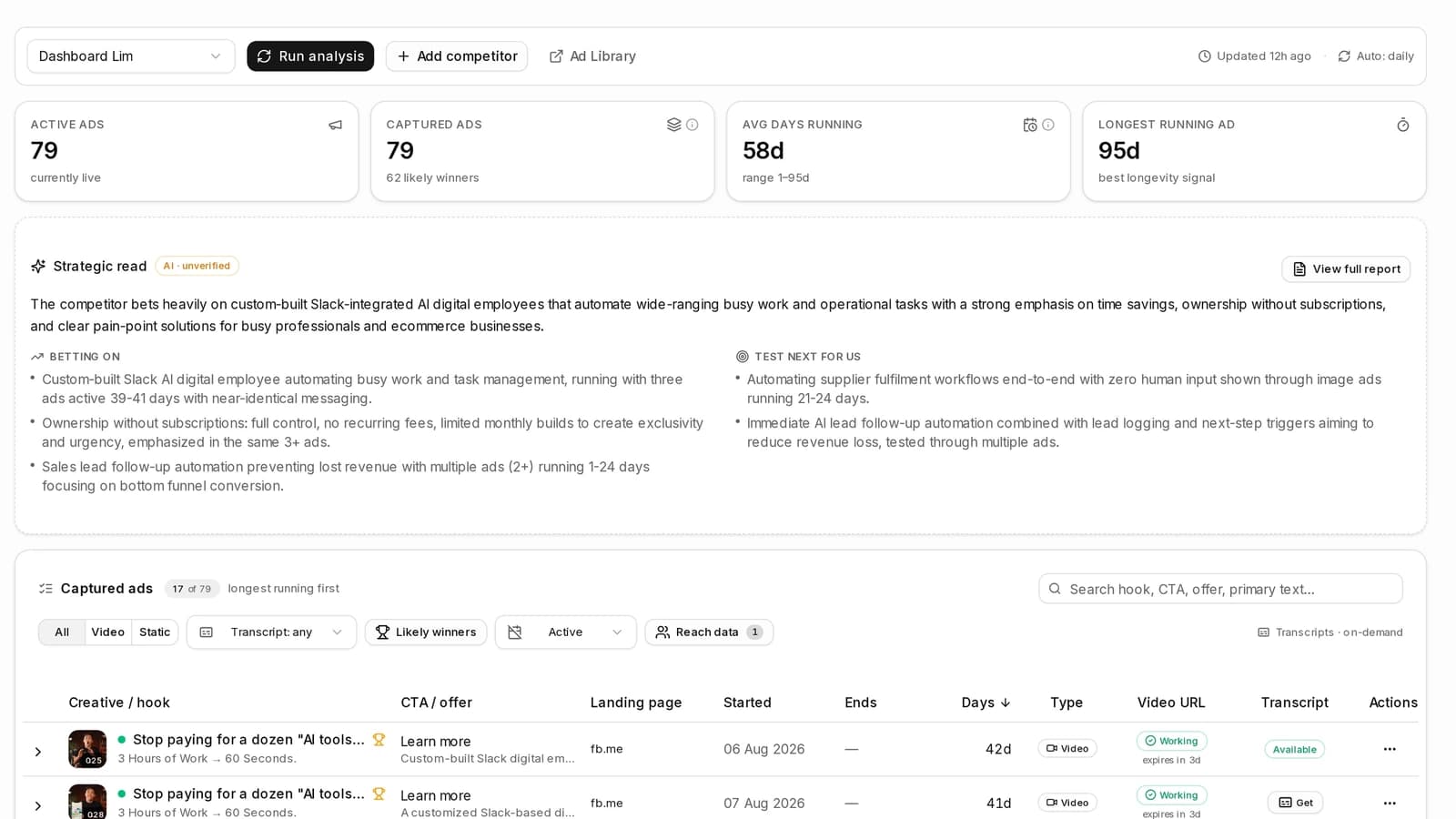
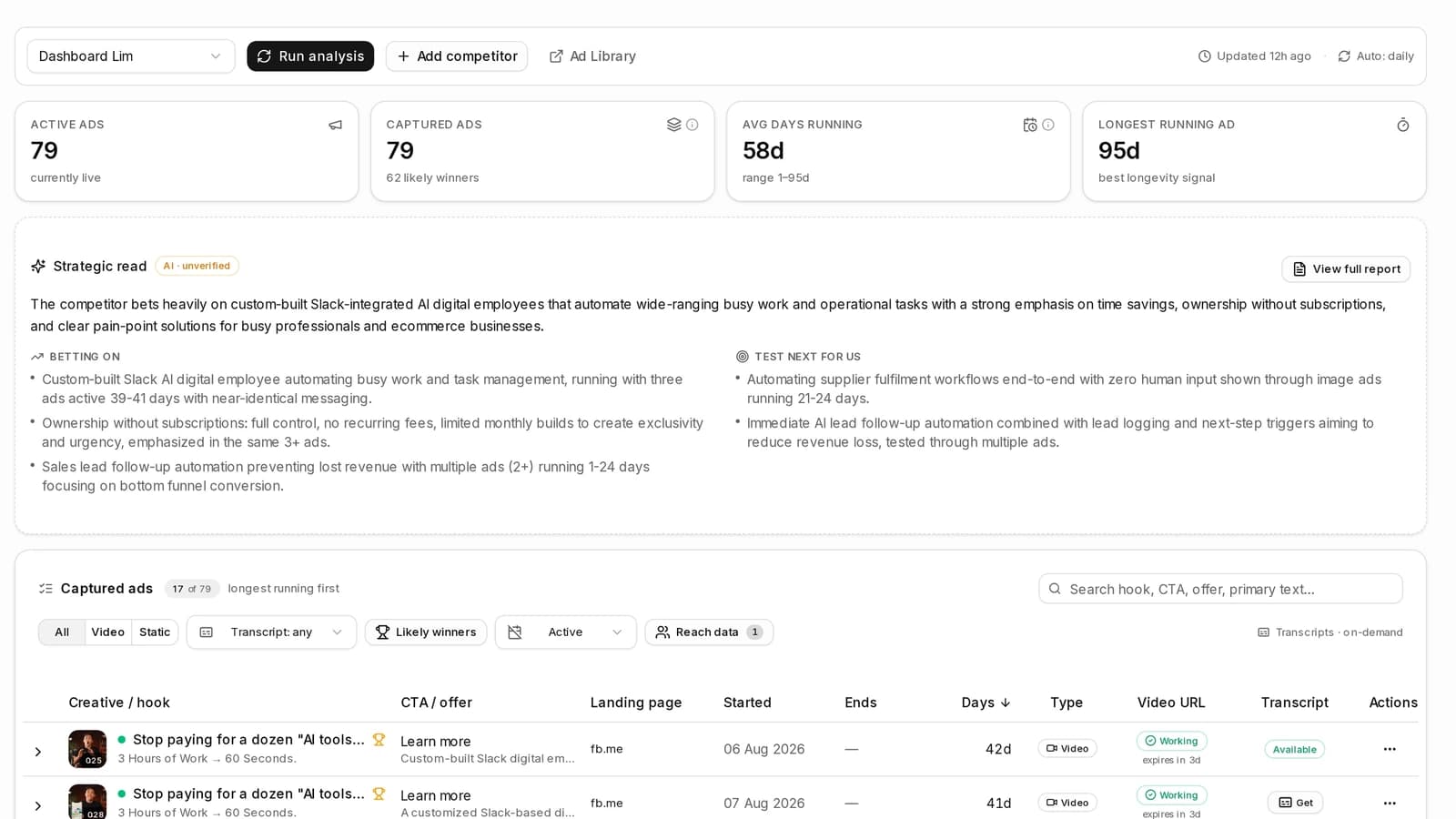
Competitor Ads Intelligence
2026-09-17